
For iPhone, iPad, and Mac
Clip as
you watch.
Keep the action. Hold to skip the breaks. Add your own scoreboard.
Download on the App Store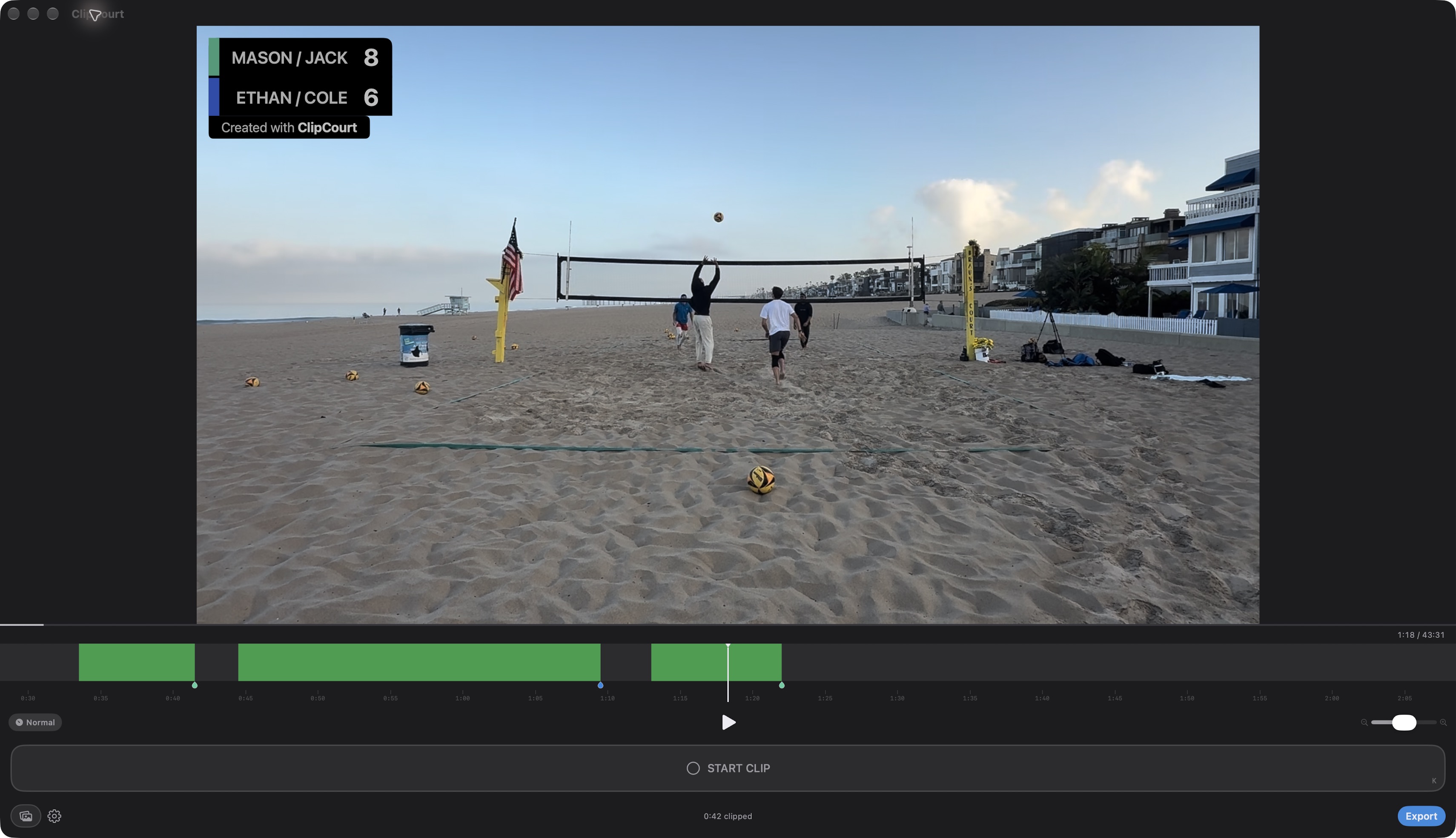
Watch. Tap. Clip.
Keep your eyes on the game.
Tap to start a clip, then tap to end it. Build your highlights while you watch.
Skip the downtime.
Hold to fast-forward.
Press and hold the video to move through breaks. Release to return to your playback speed.
Make it your game.
A scoreboard you can customize.
Set team names, colors, and position. Track points as you clip and include the score in your highlights.
ClipCourt on iPhone
See it in action.
Clip a rally, tap the score, and hold to move on. Follow the touch indicators in this short demo.